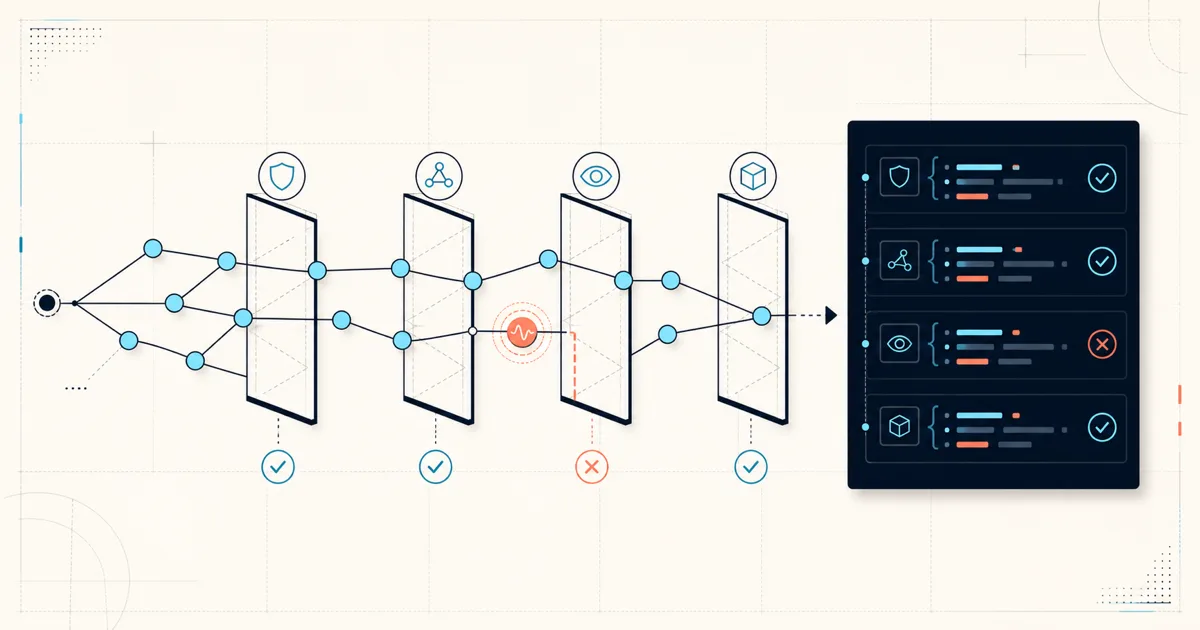
$ annie graph check checkout-worker --category reliability
Graph check: FAIL
Operational posture for checkout-worker (reliability)
Evidence: complete (3 sources)
- [reliability/gap] Workload has no PodDisruptionBudget
- [reliability/gap] Workload has no scheduling priority
Error: graph check failed
Next: Review the reported graph findings or use --warn-only

$ echo $?
8
That exit code is the difference between a posture report somebody may read and a production rule the repository can enforce. Annie Graph uses the same deterministic evidence for both. Your team decides which scope and category belongs in the gate.
Inspect the evidence before enforcing it
Start with graph posture, which reports findings without failing the command:
$ annie graph posture checkout-worker --category allThe checks cover four operational categories:
| Category | Evidence Annie Graph can inspect |
|---|---|
| Reliability | Disruption budgets, autoscaling, scheduling priority, high-fan-in dependencies |
| Security | Effective access, privileged paths, network segmentation, public exposure |
| Observability | Service, monitor, metrics, and alert-rule coverage |
| Delivery | GitOps drift and ownership evidence |
Findings use narrow statuses. gap and risk mean a query returned explicit evidence. no-finding means the check returned no explicit gap. unknown means the target or supporting evidence could not be resolved. None of those statuses is a health score.
Run project-wide posture for a scheduled review, namespace posture for a bounded platform domain, or target one resource before a release:
$ annie graph posture --category security
$ annie graph posture --namespace commerce --category reliability
$ annie graph posture checkout-worker --category all
Close the loop from activity to policy
The workflow has three distinct stages:
$ annie graph top --by resource --since 24h
$ annie graph explore
$ annie graph check checkout-worker --category reliability
top finds where activity is concentrated. explore lets an operator resolve the correct resource and inspect its brief, dependencies, timeline, posture, impact, and ownership. check applies the chosen posture category to automation.
This separation keeps activity ranking, human review, and repository policy from collapsing into one unsupported judgment.
Use the native policy exit code
graph check exits 8 when it observes a gap, risk, or unknown finding, or when the workflow is incomplete. Human-readable failures pair the error with a Next: action. Authentication, invalid usage, timeout, and backend failure retain their own exit codes, so CI can distinguish a policy failure from a broken query.
Use --warn-only while introducing a rule or publishing findings without blocking the build:
$ annie graph check checkout-worker \
  --category reliability \
  --warn-only
Without --warn-only, a failed check exits 8 and returns a machine-readable error envelope with --output json. This is an abbreviated example:
$ annie graph check checkout-worker \
  --category reliability \
  --output json
{
"schemaVersion": "annie.cli/v1",
"status": "error",
"command": "graph.check",
"error": {
"code": "GRAPH_CHECK_FAILED",
"details": {
"category": "reliability",
"passed": false,
"workflow": {
"completeness": "complete",
"warnings": []
}
}
}
}Each check is bounded by --limit. A finding count equal to the limit means “at least this many,” not an exact fleet total.
Put the check in GitHub Actions
Annie supports access tokens for headless environments. Store a tested, immutable CLI image reference in the ANNIE_CLI_IMAGE repository variable, keep the token in GitHub Actions secrets, and select the project explicitly:
name: Production graph guardrail

on:
  pull_request:

jobs:
  graph-check:
    runs-on: ubuntu-latest
    container: ${{ vars.ANNIE_CLI_IMAGE }}
    steps:
      - name: Check checkout-worker reliability
        env:
          ANNIE_TOKEN: ${{ secrets.ANNIE_TOKEN }}
          ANNIE_PROJECT_ID: ${{ vars.ANNIE_PROJECT_ID }}
        run: >-
          annie graph check checkout-worker
          --category reliability
          --output json
A broader scheduled workflow could run project-level security checks. A release repository might target only the workload it owns. Start with --warn-only, review the evidence, then remove the flag when the team agrees on the policy and exception process.
Ship one rule your team can explain
Good first checks are narrow enough to defend in a review:
- production workloads require a PodDisruptionBudget
- privileged access paths require an approved exception
- a namespace must retain NetworkPolicy coverage
- release-critical workloads require observed GitOps ownership
Upgrade Annie CLI, inspect one active resource, and turn one existing platform standard into a graph check:
$ brew update
$ brew upgrade anyshift-io/tap/annie
$ annie graph top --by resource --since 24h
$ annie graph explore
$ annie graph check checkout-worker --category reliability --warn-only
Read the complete Annie CLI documentation, or return to Part 1 for the full Annie Graph command map.