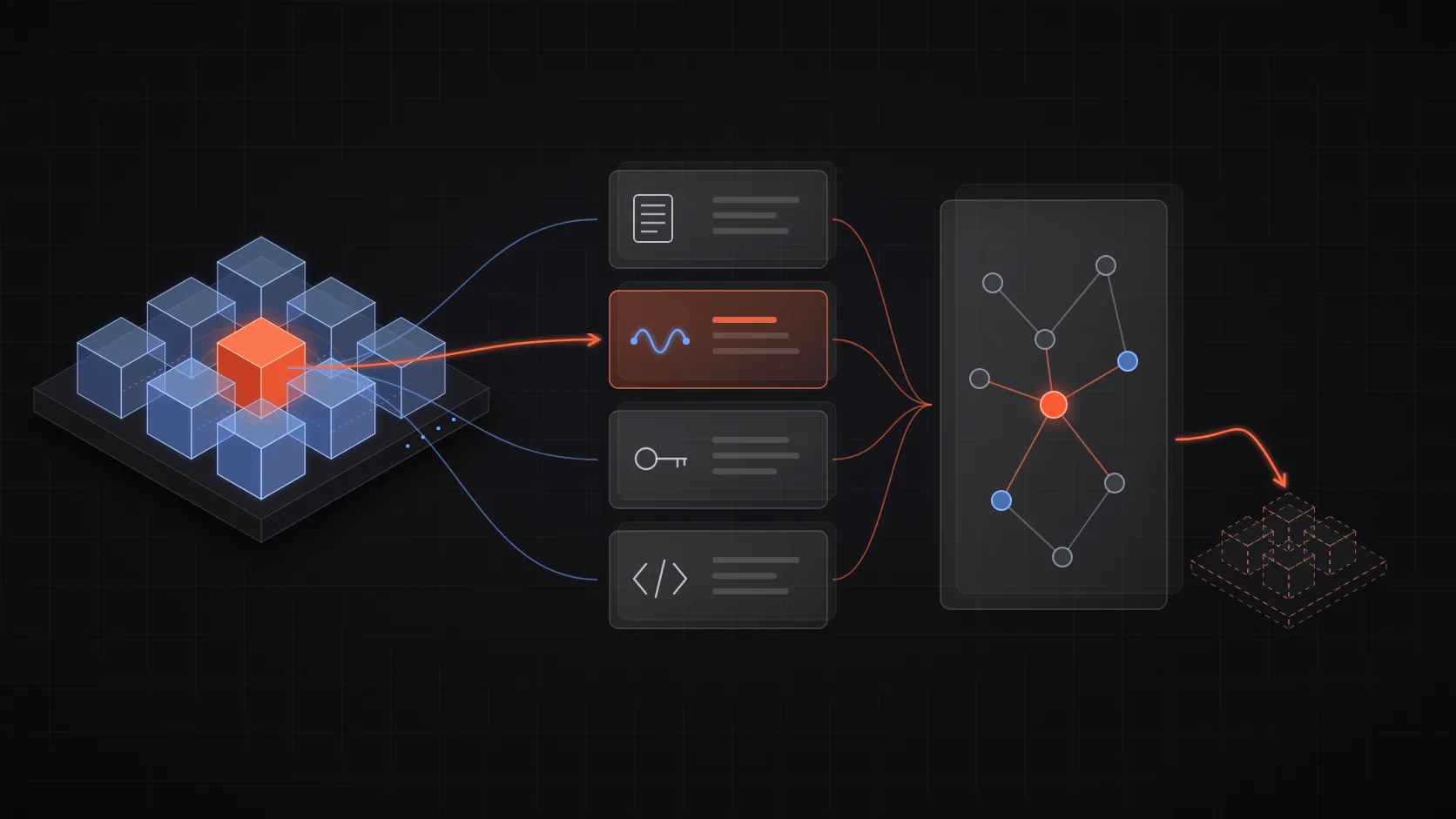
Direct answer: find a Kubernetes workload's dependencies before migrating it by combining four sources: its declared Kubernetes objects, its observed network traffic over a full business cycle, the cloud resources its identity can reach, and endpoints hard-coded in infrastructure code. No single source is complete. Manifests show what a workload declares, not what it calls, and traffic logs miss anything that did not run during the observation window.
Most migration incidents are not caused by the workload you moved. They come from a dependency nobody listed: a monthly CronJob that reads from a bucket through a role bound to the old cluster, a partner firewall that allow-lists the old NAT gateway, or a sibling service that calls the workload by its in-cluster DNS name. The method below makes those dependencies visible before the cutover, not during it.
1. Inventory declared dependencies from Kubernetes objects
Start with what the cluster already knows. Export every object the workload owns or references:
NAMESPACE=payments
APP=ledger-api

kubectl -n "$NAMESPACE" get deploy,sts,cronjob,svc,ingress,cm,secret,pvc,sa,networkpolicy \
  -l app="$APP" -o yaml > "$APP-objects.yaml"
Then extract the references that matter for a move:
# Environment variables, which often hold hostnames and connection strings
kubectl -n "$NAMESPACE" get deploy "$APP" \
  -o jsonpath='{range .spec.template.spec.containers[*].env[*]}{.name}={.value}{"\n"}{end}'

# ConfigMaps and Secrets mounted or referenced
kubectl -n "$NAMESPACE" get deploy "$APP" \
  -o jsonpath='{.spec.template.spec.volumes[*].configMap.name} {.spec.template.spec.volumes[*].secret.secretName}'
Record every hostname, port, volume, and secret. Watch for in-cluster DNS names such as orders.checkout.svc.cluster.local: they only resolve inside the source cluster and will break silently after the move unless the target has the same service.
This step catches declared dependencies only. It will not show the database a service connects to through a connection string fetched at runtime, or the services that call this workload.
2. Observe real traffic for a full business cycle
Runtime traffic shows what the workload actually does. Record both directions, inbound callers and outbound targets, for at least seven days. Include known batch windows such as month-end close.
The source depends on what you run:
| Environment | Source | What it shows |
|---|---|---|
| Istio or Linkerd mesh | Mesh request metrics | Service-to-service calls with source and destination workload labels |
| Cilium CNI | Hubble flow logs | L3/L4 and L7 flows per pod, including DNS lookups |
| AWS | VPC Flow Logs | IP-level flows to RDS, ElastiCache, and endpoints outside the cluster |
| GCP / Azure | VPC or NSG flow logs | The same IP-level view for managed services |
| Any | OpenTelemetry traces | Calls to databases, queues, and external APIs at the client span level |
With Hubble, a simple outbound query looks like this:
hubble observe --namespace "$NAMESPACE" --from-label app="$APP" \
  --since 168h -o jsonpb | jq -r '.flow.destination_names[]?, .flow.IP.destination' | sort | uniq -c | sort -rn
Inbound callers matter as much as outbound targets. A workload with one obvious consumer often has a second one in another namespace, another cluster, or an on-premises network. If the old Service disappears, those callers fail first.
Flow data has two blind spots. It misses anything that did not run in the window, and it reports IP addresses, not intent. Resolve IPs back to owners using cloud resource inventories and DNS logs before you trust the list.
3. Map cloud identities to the resources they can reach
Many cloud dependencies do not go through a hostname in config. They go through an identity. Resolve the workload's service account to its cloud role:
kubectl -n "$NAMESPACE" get sa "$APP" \
  -o jsonpath='{.metadata.annotations.eks\.amazonaws\.com/role-arn}'
On EKS, check both IRSA annotations and EKS Pod Identity associations. On GKE, check the iam.gke.io/gcp-service-account annotation. Then list what that role can access: S3 buckets, SQS queues, KMS keys, DynamoDB tables, Secrets Manager entries.
Two migration failures come from here. The first is a role trust policy that names the old cluster's OIDC provider, so the pod in the new cluster cannot assume it. The second is a resource policy, such as a bucket policy or KMS key policy, that only allows the old role ARN. Both fail at runtime with access-denied errors that look unrelated to the move.
4. Search infrastructure code and DNS for hard-coded endpoints
The last class of dependency lives outside the cluster entirely. Search the repositories that define the workload and its neighbours:
# IPs, cluster DNS names, and load-balancer hostnames in Terraform, Helm, and app config
rg -n --no-heading -e '\b\d{1,3}(\.\d{1,3}){3}\b' -e 'svc\.cluster\.local' -e 'elb\.amazonaws\.com' \
  infra/ charts/ config/
Look for:
- Security groups, firewall rules, or partner allow-lists that reference node or NAT gateway IPs
- DNS records that point at the old ingress load balancer
- TLS certificates issued for a cluster-specific hostname
- Database
pg_hba.confor cloud SQL authorized networks that allow the old CIDR - Terraform data sources that look up the old cluster by name
These dependencies do not appear in manifests or in the workload's own traffic. They appear when the first request from a new IP is rejected.
5. Reconcile the sources and test the cutover
Merge the findings into a single inventory. For each dependency, record the direction (inbound or outbound), the source that revealed it, and the migration action:
| Dependency | Direction | Declared | Observed | Action |
|---|---|---|---|---|
orders.checkout.svc.cluster.local:8080 | Outbound | Yes | Yes | Migrate together or expose via internal LB |
RDS ledger-prod | Outbound | Secret | Yes | Add new node CIDR to security group |
S3 ledger-exports | Outbound | No | No (monthly job) | Update IAM trust policy for new OIDC provider |
reporting CronJob in finance namespace | Inbound | No | Yes | Repoint to new Service DNS |
| Partner SFTP allow-list | Outbound | No | No | Request new NAT IP allow-listing |
Dependencies that appear in only one column deserve the most attention. "Declared but not observed" often means a dead dependency you can drop, or a rare job you have not seen yet. "Observed but not declared" means a hidden runtime coupling the manifests do not describe.
Then test before cutting over. Run the workload in the target cluster in shadow mode, or shift a small percentage of traffic with weighted DNS or a mesh traffic split. Watch error rates, access-denied logs, and DNS resolution failures. Keep the source deployment running until the full business cycle has passed in the new location, so monthly jobs have a chance to fail safely.
Make the next migration cheaper
The inventory above is expensive to rebuild because it lives in four systems that rarely talk to each other: the Kubernetes API, network telemetry, cloud IAM, and infrastructure code. Teams that migrate often keep a continuously updated dependency graph instead of reconstructing it per project.
Anyshift maintains that graph automatically. It connects Kubernetes objects, cloud resources and identities, Terraform, and source control in one versioned production graph, so you can ask what depends on a workload, and what it depends on, before you move it.